
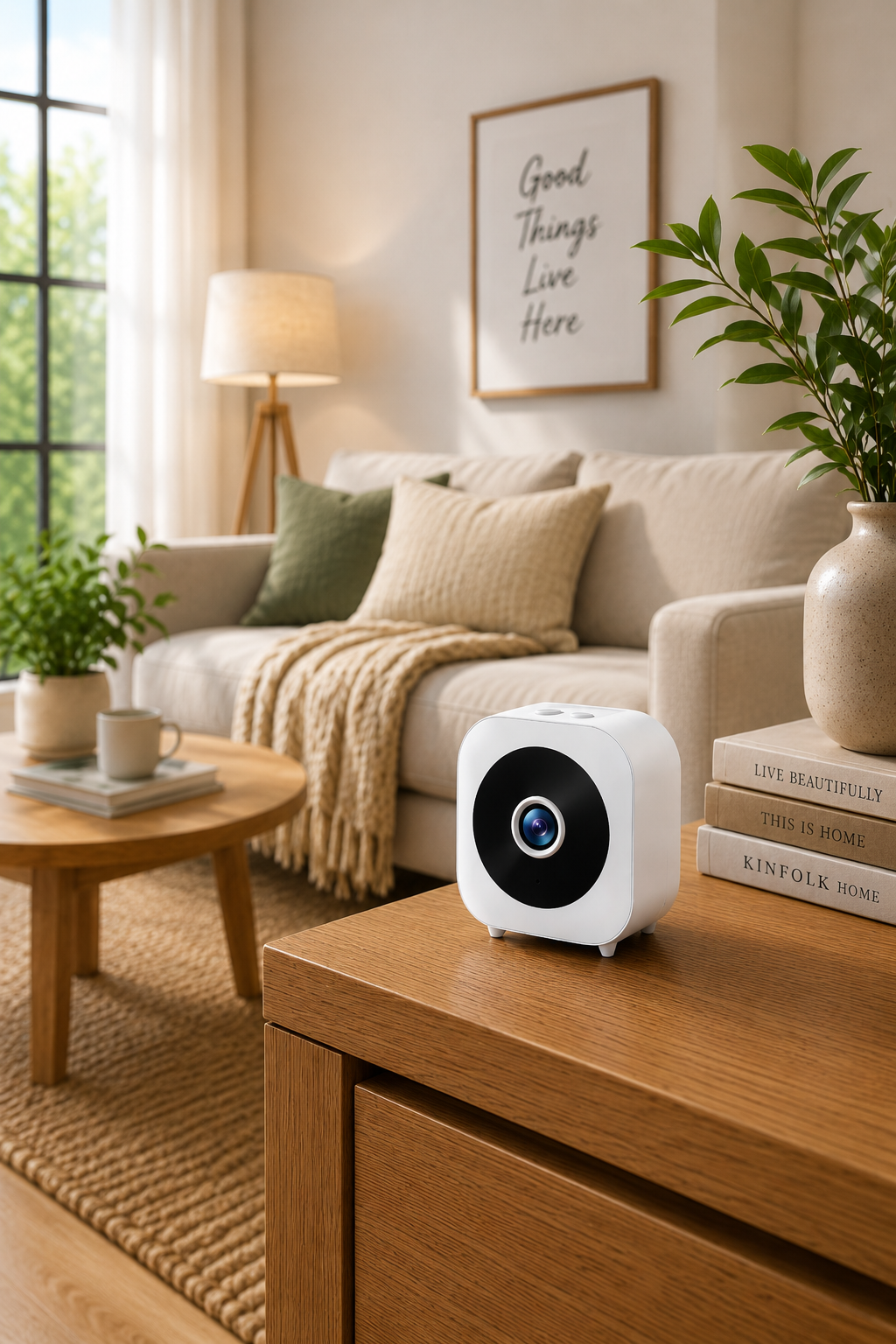
The performance of an indoor security camera depends not only on the camera itself but also on where it is placed. A well positioned camera can provide a clearer view of important areas, reduce blind spots and make everyday monitoring much more useful.
One of the most common places for an indoor camera is the main living area. Living rooms often provide a wide view of the home and can be useful for monitoring general activity. Positioning a camera in a corner can help you cover a larger part of the room while keeping the device relatively discreet.
Entryways are another practical location. A camera facing an interior entrance can help you see who comes in and out of the home. If your front door already has a doorbell camera, an indoor camera can provide an additional viewing angle from inside the property.
For families with young children, a baby camera is often placed in the nursery. The camera should be positioned where the sleeping or play area can be seen clearly, while remaining safely out of reach. Avoid placing cords or electrical equipment where a child could access them.
Home offices can also benefit from compact monitoring devices. If you keep equipment, documents or valuable electronics in your workspace, a small indoor camera may provide extra visibility without taking up much space.
Hallways are useful because they connect multiple rooms. A camera positioned at the end of a hallway may provide a broad view of movement between different parts of the home. This can sometimes be more effective than placing several cameras inside individual rooms.
When positioning a camera, consider the height. Placing the device slightly above eye level can provide a wider angle while keeping the lens less likely to be blocked. However, mounting it too high may make it harder to capture useful details.
Lighting is also important. Avoid pointing the camera directly toward bright windows, lamps or strong sunlight because this can make the image harder to see. A position with balanced lighting usually provides more consistent footage throughout the day.
You should also check the WiFi signal before finalising the placement of a smart camera. A convenient location is not very useful if the camera struggles to maintain a stable connection. Test the device in the intended area before mounting it permanently.
Finally, think about privacy. Cameras should be placed in appropriate monitoring areas and used responsibly. Avoid positioning them in spaces where people reasonably expect complete privacy.
Good camera placement is about creating useful coverage without overcomplicating your setup. By focusing on entrances, living areas, nurseries, hallways and workspaces, you can create a more practical indoor monitoring system with fewer blind spots.
Share:
How to Choose the Right Security Camera for Your Needs
Body Cameras Explained: Features, Uses and What to Look For